Filler is a game you can play on the popular iOS app Game Pidgeon. It is a turn based game where both players switch colors to absorb more territory. Once all the squares are part of territory, the game ends.
Due to it’s nature as a combinatorial game, the best move can be found through the minimax algorithm. As you can see, there’s 4 possible colors a player can pick on each turn so there are 4^n leaves if we are searching until depth n.
Most games last around 35-40 moves so sometimes we might even need to search 4^40 states which is on the order of 10^24. This is doable on some higher end computers however I had to add some optimizations to get it working on my device.
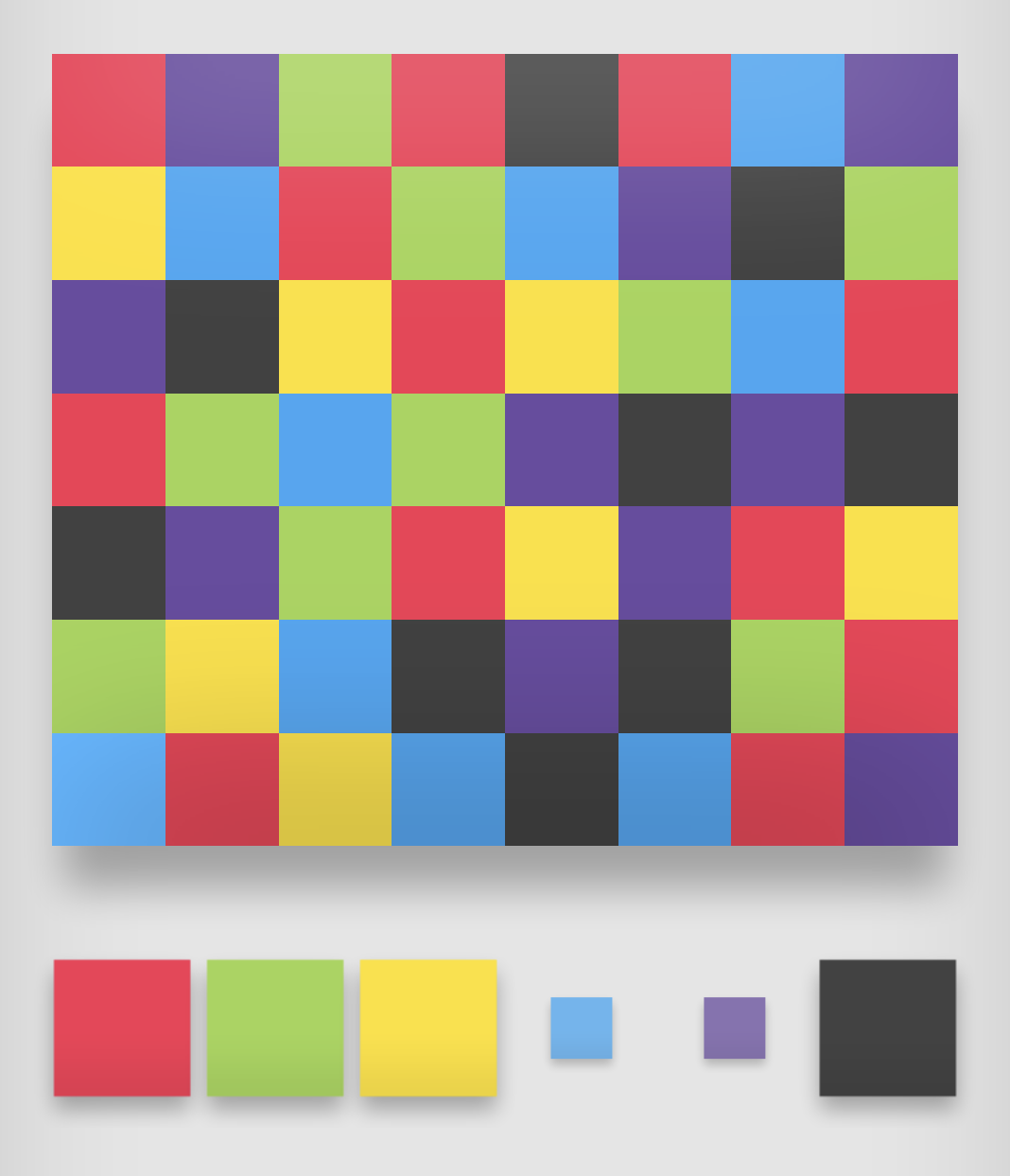
Setting up Minimax
Simulate the game: This meant both implementing all the game logic but also creating a UI so I could see and test everything. For this I used p5.js which is a HTML canvas wrapper. Once I had good setup for the back end, I could start developing the minimax.
Do the minimax search: I used the functions I created in the previous step to run the minimax algorithm in a pretty straight-forward way. Aside from some time spent bugfixing this was quick to set up.
As I said before, without optimzations, the algorithm is checking 4^n leaves of the tree so I was only able to run it at this step at ~7 depth without having significant slow down.
Adding the Optimizations
Transposition table: To add this, I needed to create a hash function for the state. of the board. Then I just needed to store the evaluation of that position in the table. This reduced the number of nodes visited by more than 50%.
Alpha-beta pruning: This is a method that culls branches of the tree that would never need to be evaluted because it would guaruntee a worse move than the ones we’ve already searched.
The efficacy of this optimzation increases if we search the tree in the order of best move to worst move. That’s why I first sorted the moves by the static evaluation.
This optimization negatively interferes with the transposition table so after I added this, only 10% of the states were cache hits.
This allowed me to increase my search depth to ~15 even with the same time taken for each calculation.
Iterative Deepening
Iterative deepening is method of running minimax by doing a full search at depth 1 deepening the search once we get an answer. Iterative deepening isn’t exactly an optimization but it does technically reduce the search space slightly. It is more useful for building a UI around the algorithm because it lets us display an answer at any given step.
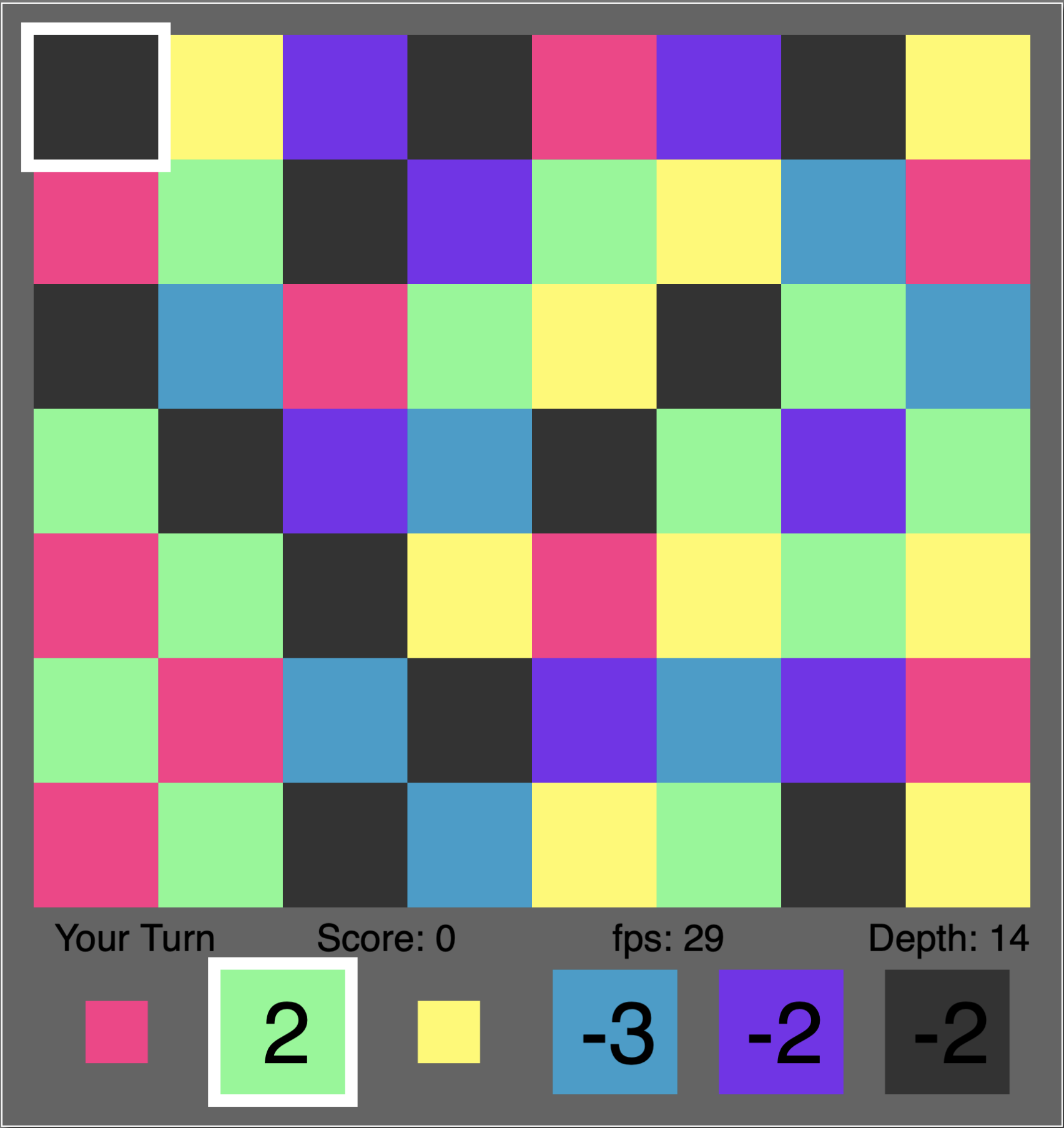
As you can see from the screenshot, the current depth that the evaluations are being displayed from is 14. The user can still interact with the page, while another background process tries to deepen the search to depth 16.